كل ما تحتاجه، أينما كنت
وصول كامل إلى لوحة تحكم موظف الاستقبال الذكي من أي جهاز محمول
لوحة التحكم المباشرة
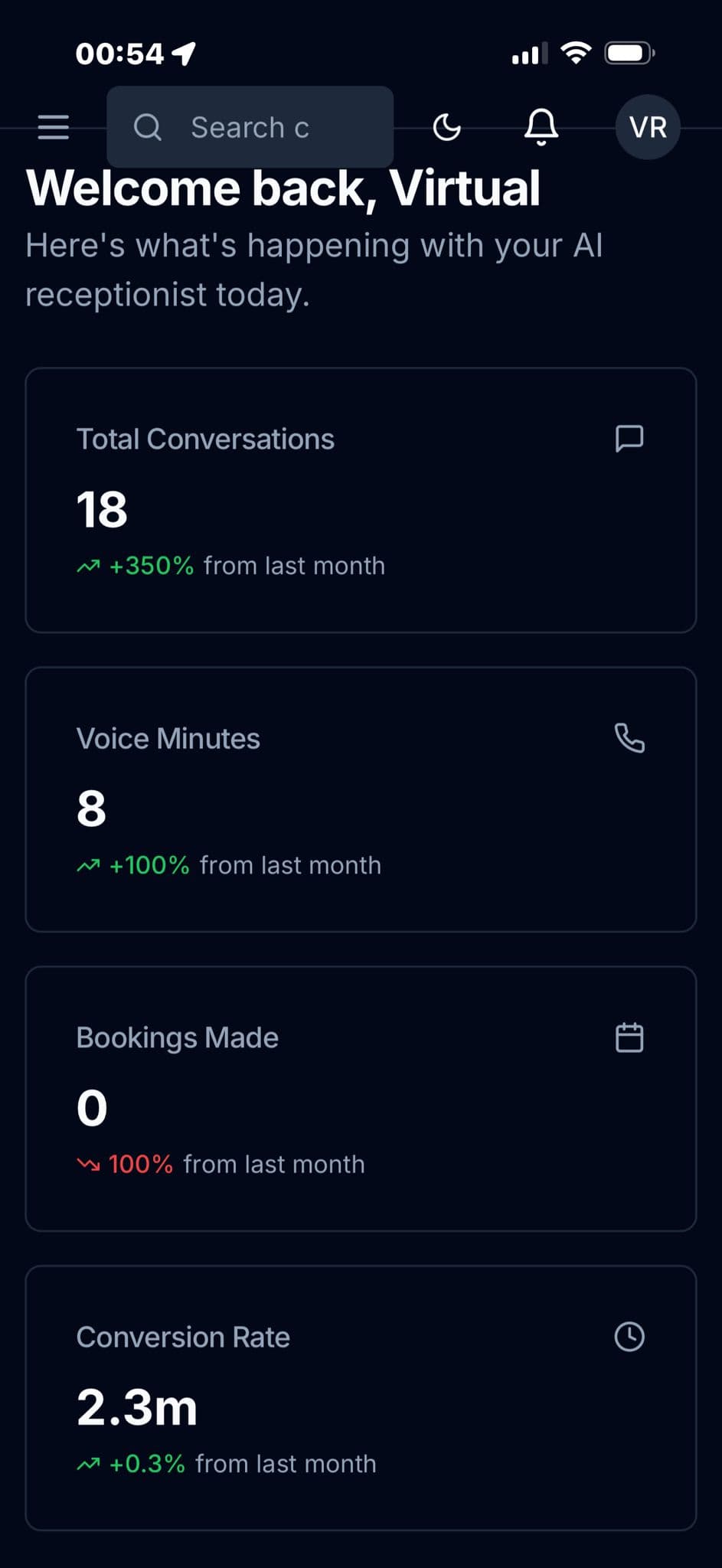
راقب جميع مكالماتك ومحادثاتك وحجوزاتك في الوقت الحقيقي مع رسوم بيانية وإحصائيات.
المكالمات الصوتية
استمع إلى التسجيلات واقرأ النصوص وراجع نتائج المكالمات فوراً.
المحادثات
كل المحادثات من كل القنوات في مكان واحد — الموقع وواتساب ووسائل التواصل.
وكلاء الصوت
أدِر عدة وكلاء أذكياء عبر دول وأرقام هاتف مختلفة.
التحليلات
توزيع القنوات ومدة المكالمات وساعات الذروة ومتابعة التحويلات.
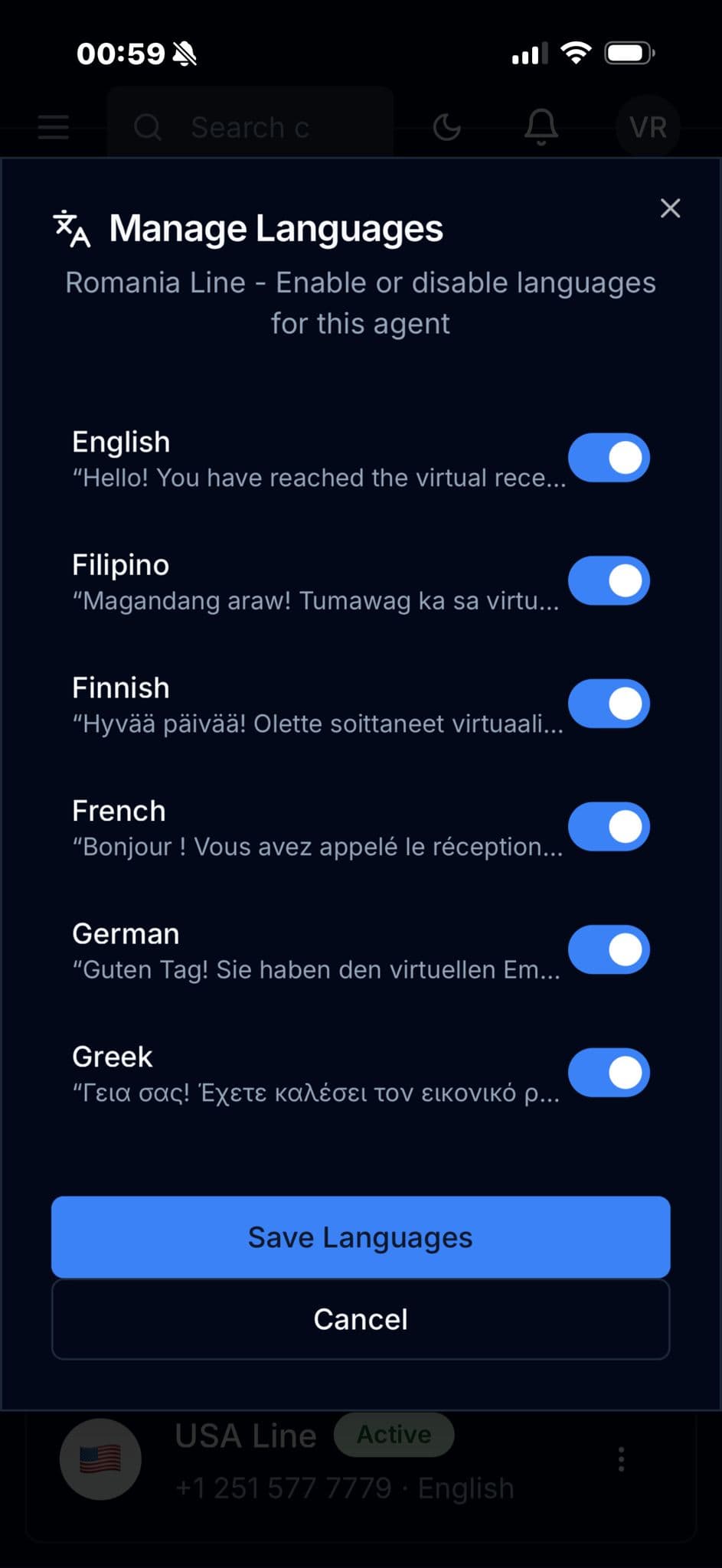
أكثر من 35 لغة
فعّل اللغات أو أوقفها، واضبط التحية لكل لغة.
لقطات من التطبيق
مرّر لتتعرّف على التطبيق كاملاً
لوحة التحكم
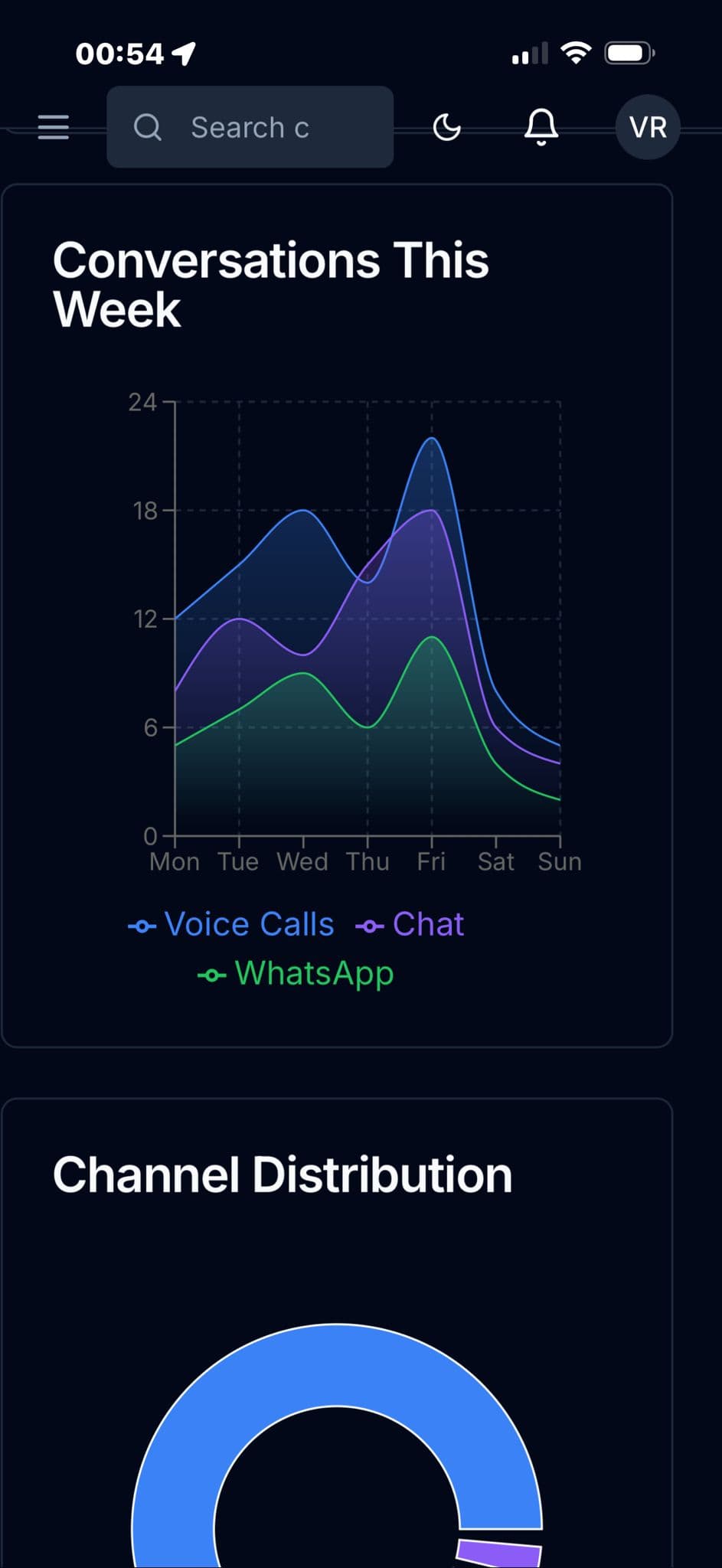
التحليلات
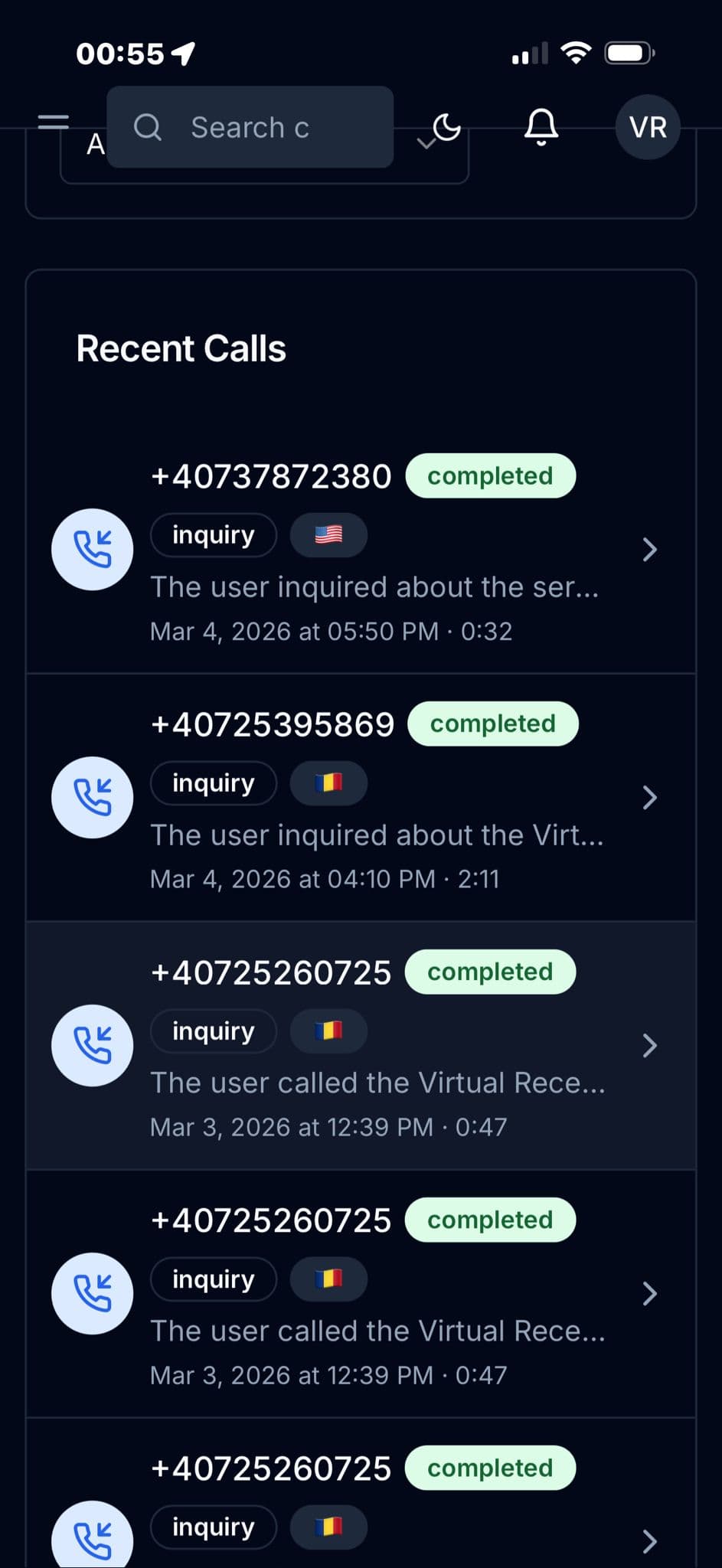
آخر المكالمات
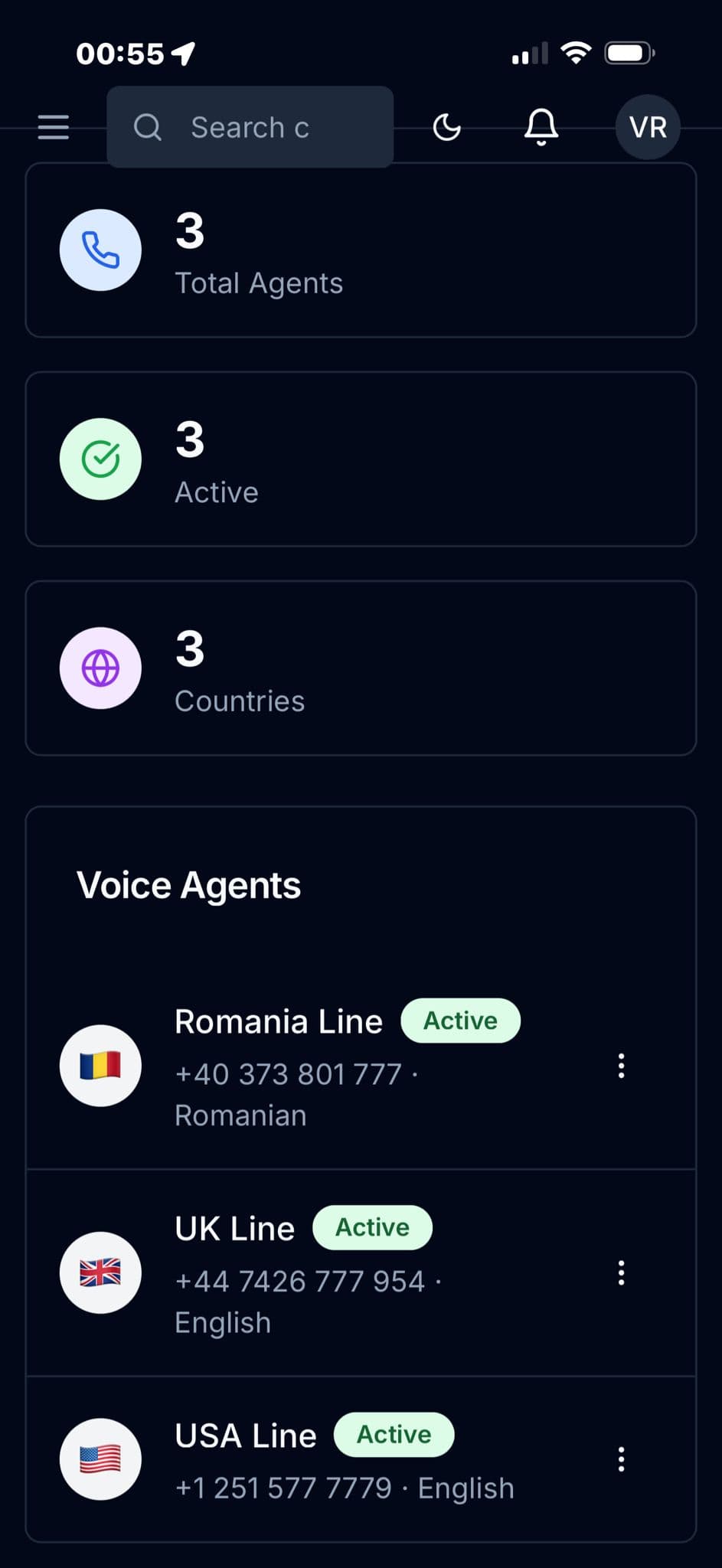
وكلاء الصوت
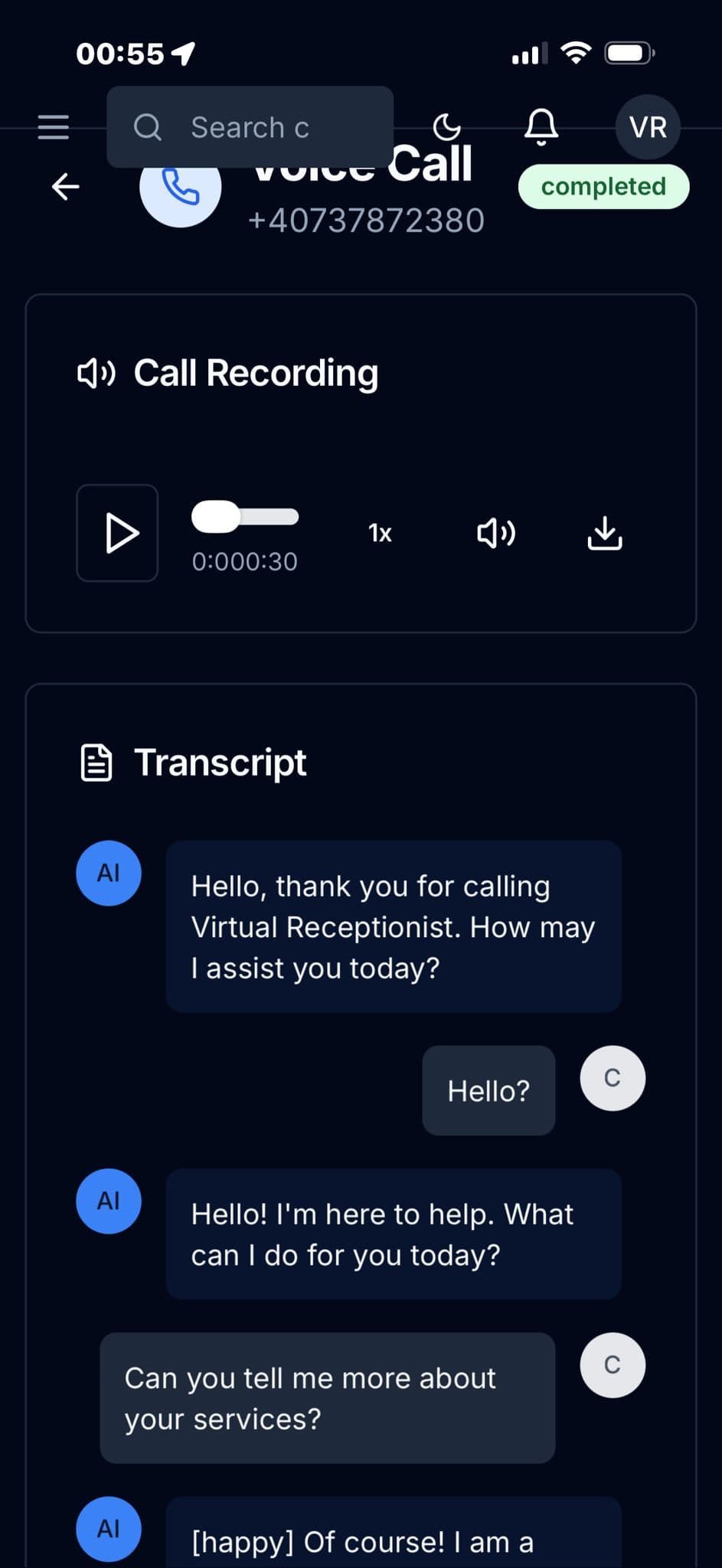
مكالمة صوتية ونصها
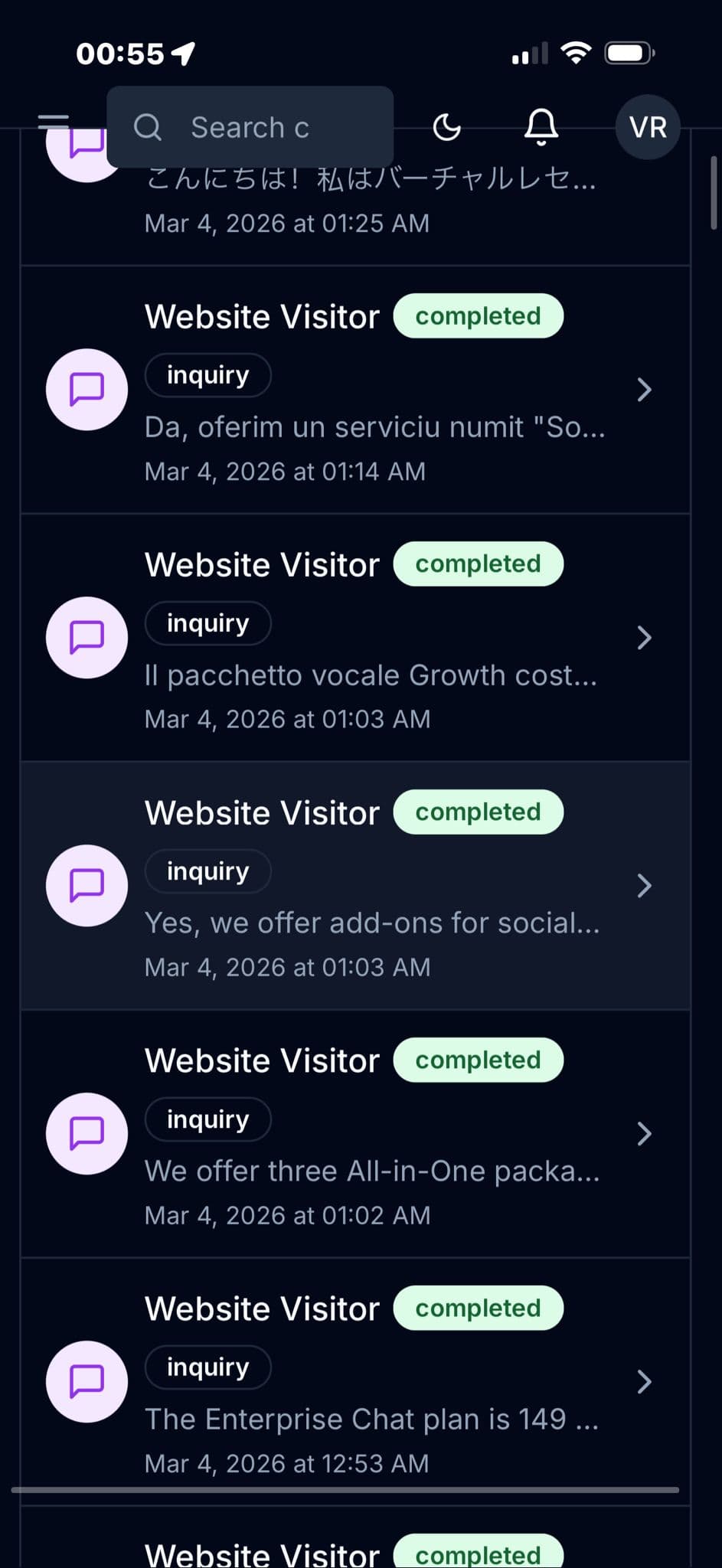
المحادثات
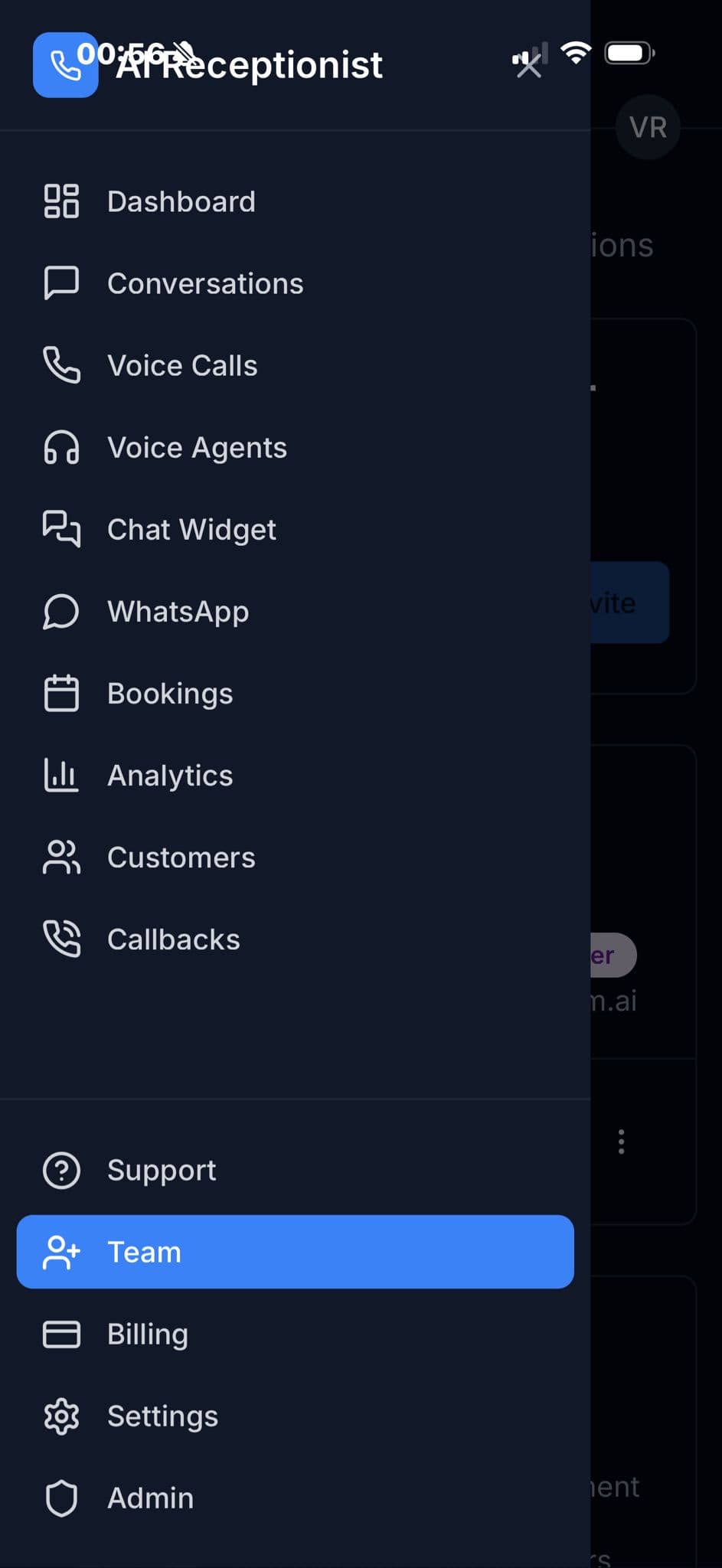
القائمة والتنقل
إدارة اللغات
تثبيت سهل
طريقة التثبيت
يعمل تطبيقنا كتطبيق ويب تقدّمي — دون تنزيل من متجر التطبيقات. ثبّته مباشرة من المتصفح.
iPhone & iPad
يتطلب متصفح Safari
1
افتح Safari
ادخل إلى admin.virtualreceptionist.com.ai وسجّل الدخول
2
اضغط زر المشاركة
اضغط أيقونة المشاركة (مربع وسهم) أسفل Safari
3
أضف إلى الشاشة الرئيسية
مرّر للأسفل واضغط «إضافة إلى الشاشة الرئيسية» ثم «إضافة»
Android
يُفضَّل متصفح Chrome
1
افتح Chrome
ادخل إلى admin.virtualreceptionist.com.ai وسجّل الدخول
2
افتح القائمة
اضغط أيقونة النقاط الثلاث في أعلى الشاشة
3
ثبّت التطبيق
اضغط «تثبيت التطبيق» أو «إضافة إلى الشاشة الرئيسية» ثم أكّد
هل أنت مستعد للبدء؟
اشترك في Virtual Receptionist واحصل فوراً على تطبيق الجوال.